 AI Haircuts
See the haircut on your face. Not on a model.
One photo is enough. Pick a style, see the result in seconds, then show your barber the exact image — nothing left to interpret.
No account needed. A result in seconds.


You show a magazine photo. The barber interprets it. You walk out with something else — and you live with it for six weeks. Choosing a haircut was never the hard part. Explaining it was.
Thirty seconds, photo to result.
No account to create, no form to fill. The app does the work and shows the cut on your own face.
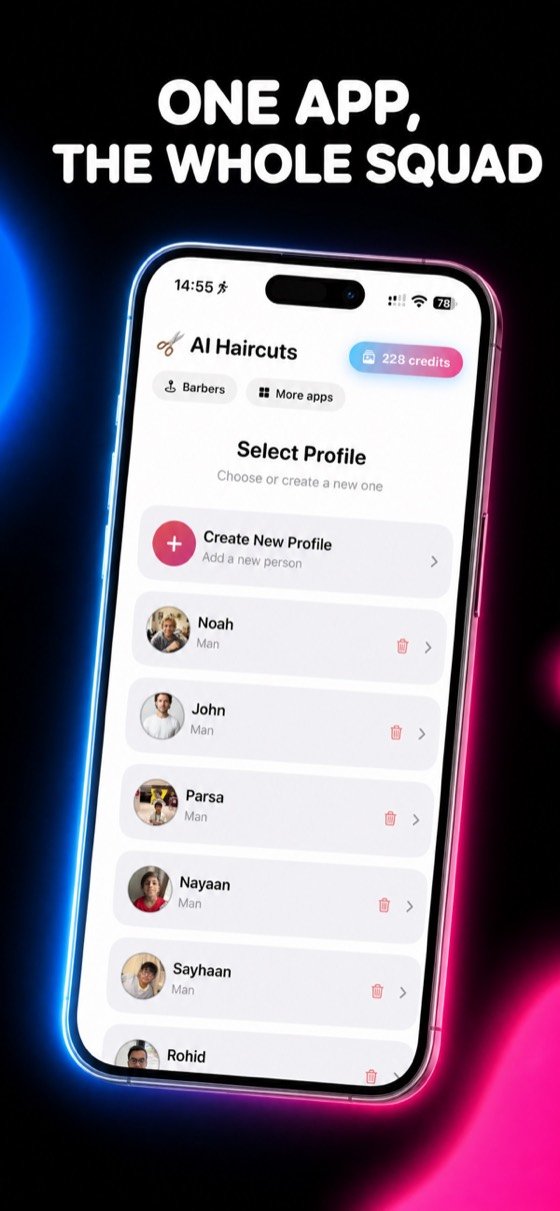
Add a photo
A front-facing selfie in good light. You can also shoot it straight from the app.
Pick a haircut
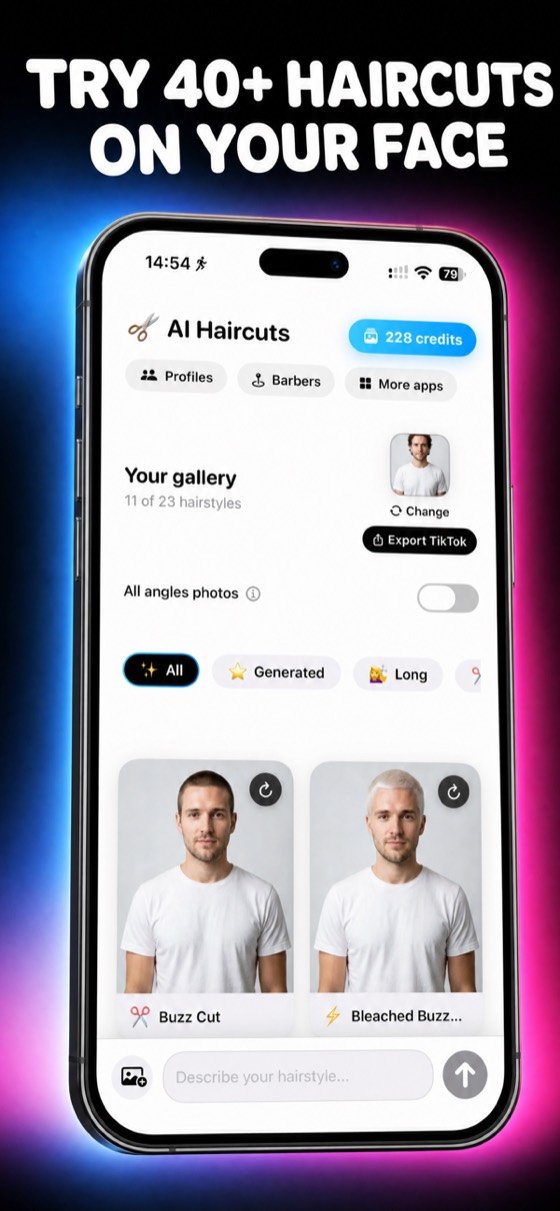
Over 40 styles sorted by length and texture, for men and for women.
Show your barber
They no longer see a model — they see your face with the cut. Nothing left to guess.
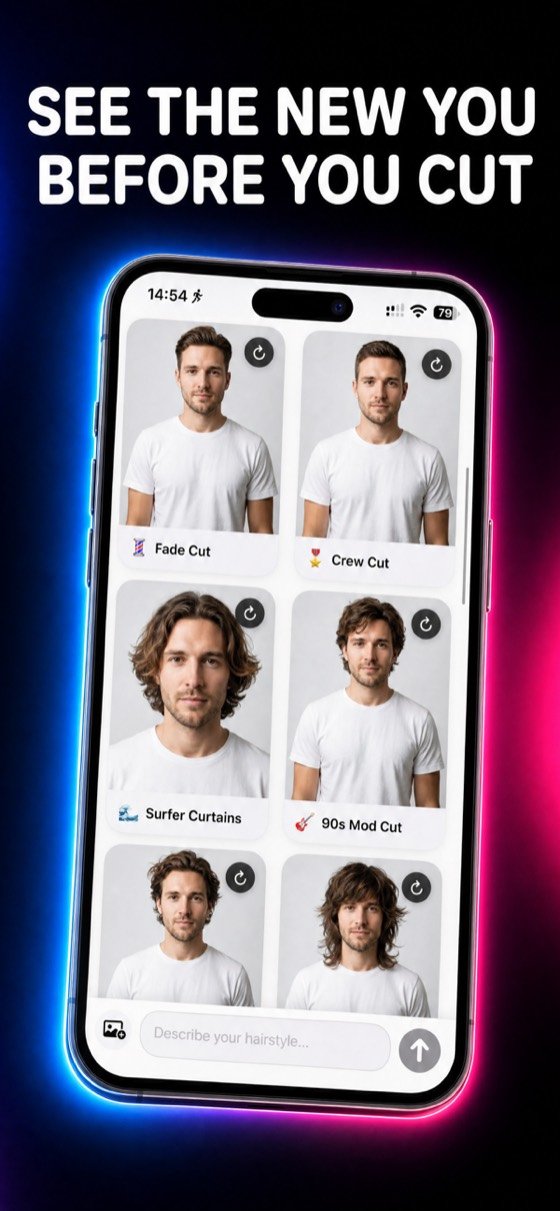
One photo, eight haircuts.
Every image here comes from the same starting photo. Nothing was retouched by hand.



Over 40 haircuts, eight families
For men and women alike. And if your idea isn't in the list, describe it in one sentence and the app generates it.
So, who's cutting it?
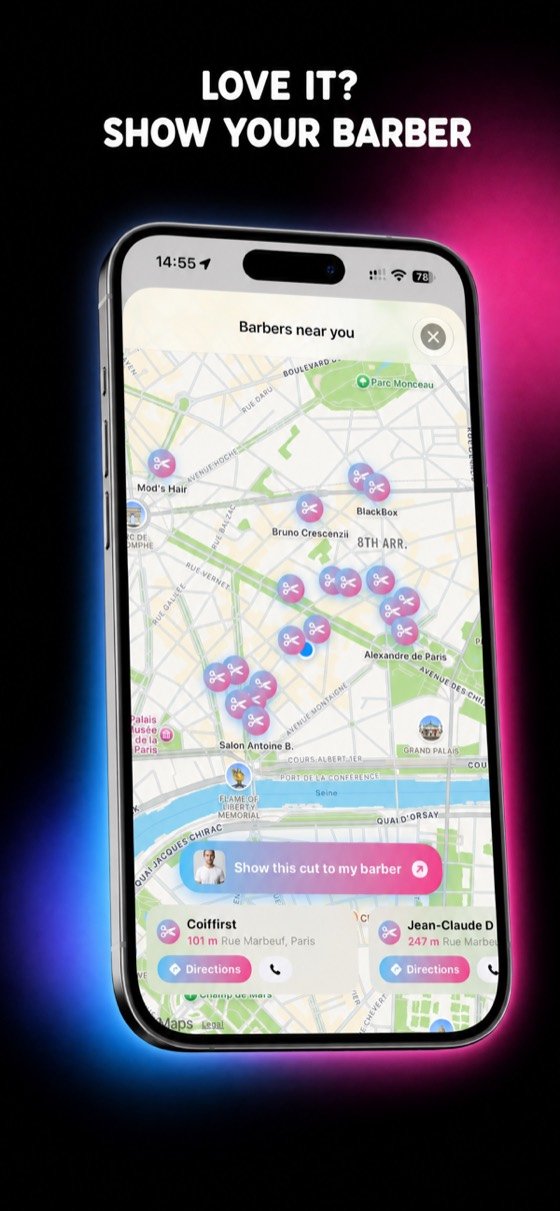
Once you've picked the cut, the app shows the barbers around you. Open directions, walk in, show the image. End of story.
- Salons near you, on a map, with directions and a phone number.
- “Show this cut to my barber” — the image goes over in one tap.
- No more misunderstandings about length, fade or fringe.
What makes you come back.
Describe what you want
Not in the list? Write it in a sentence — “short textured crop, curtain fringe” — and the app generates it.
One profile per person
Your partner, your kids, your friends. Each with their own photo and gallery, in the same app.
Keep and share
Your transformations stay in your gallery. One tap to send them, or export them as a video.
Dare what you wouldn't dare.
Platinum blonde, a fringe, four inches off. Try the irreversible decisions while they still aren't.
Choose a haircut without regretting it.
Simple markers for what will suit your face, your hair and your daily routine.
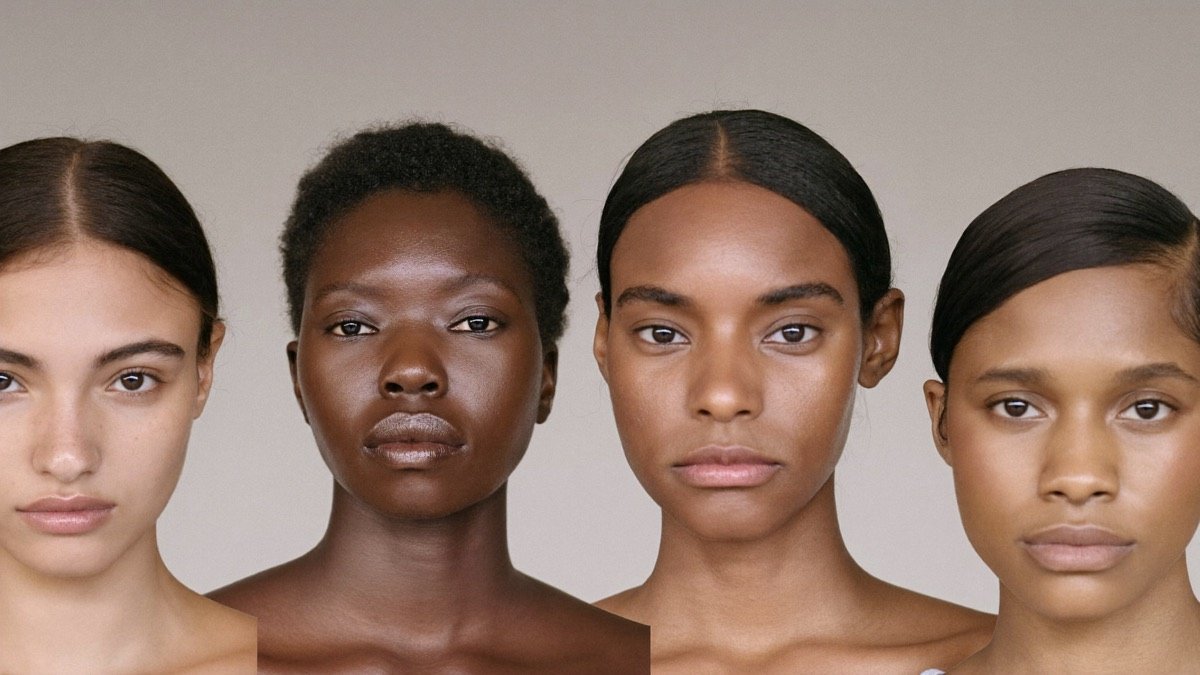
Which haircut suits your face shape?
Round, oval, square, long: the cuts that balance each face shape, and the ones to skip.
Read the guide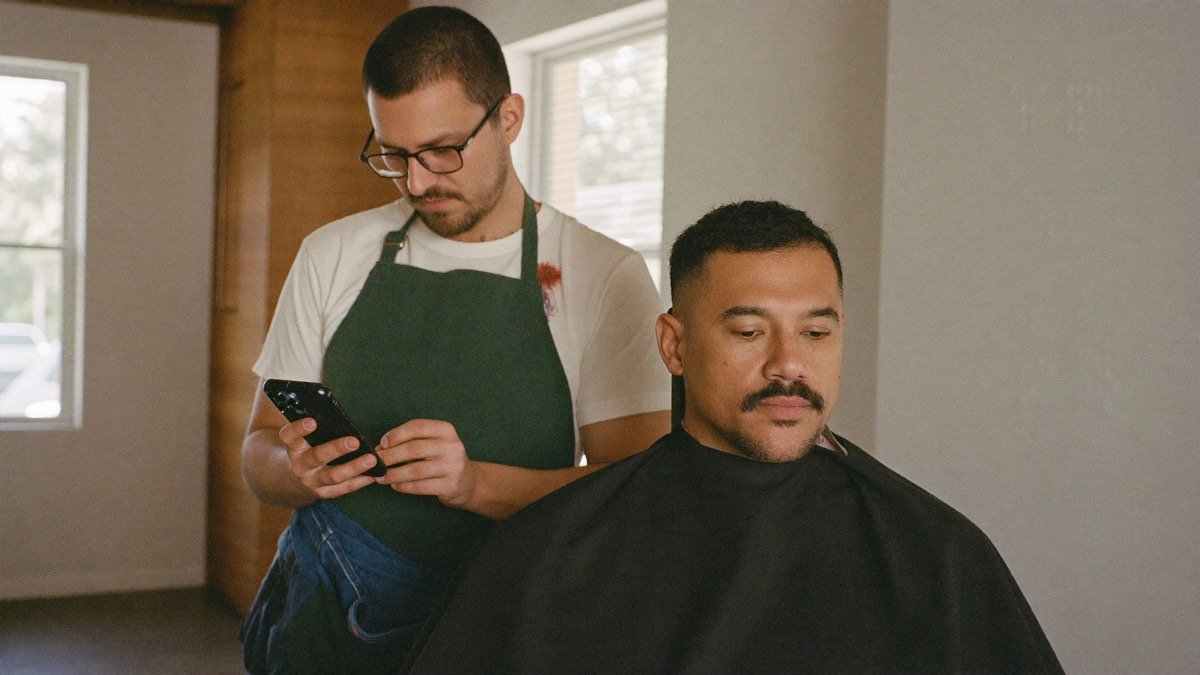
How to tell your barber what you actually want
Why haircut words fail, and the four things to say instead so you get what you pictured.
Read the guide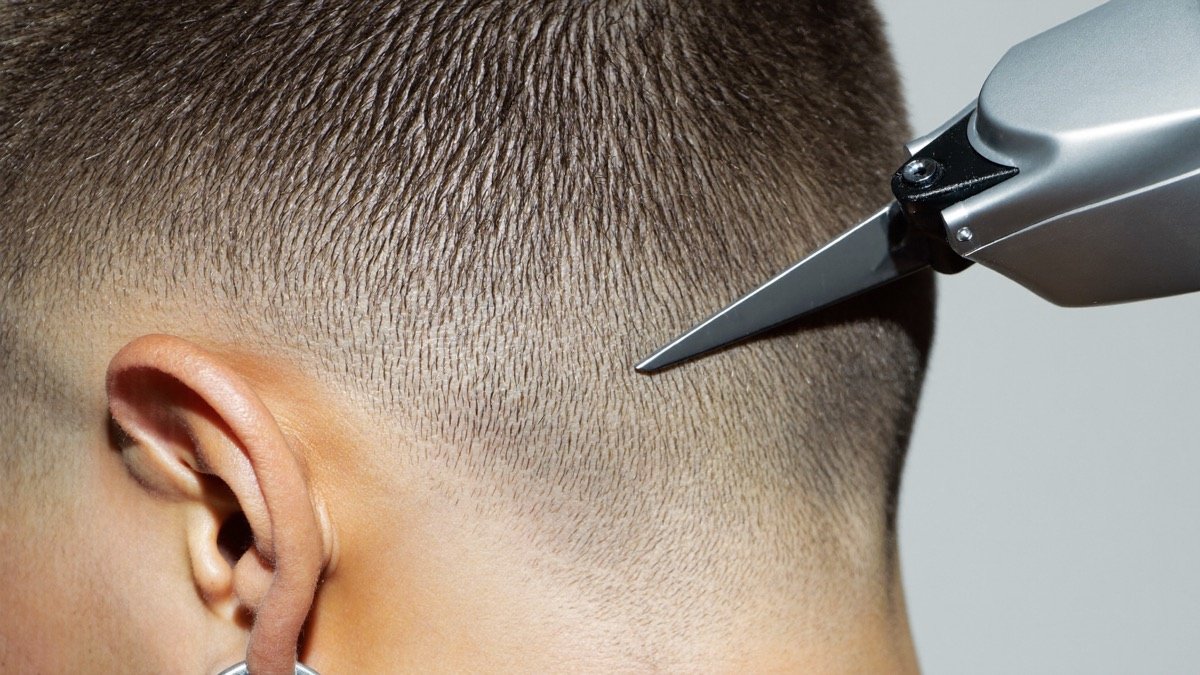
Fade, taper, undercut: what the words actually mean
Low, mid, high, skin, taper, undercut: the words barbers use, decoded once and for all.
Read the guide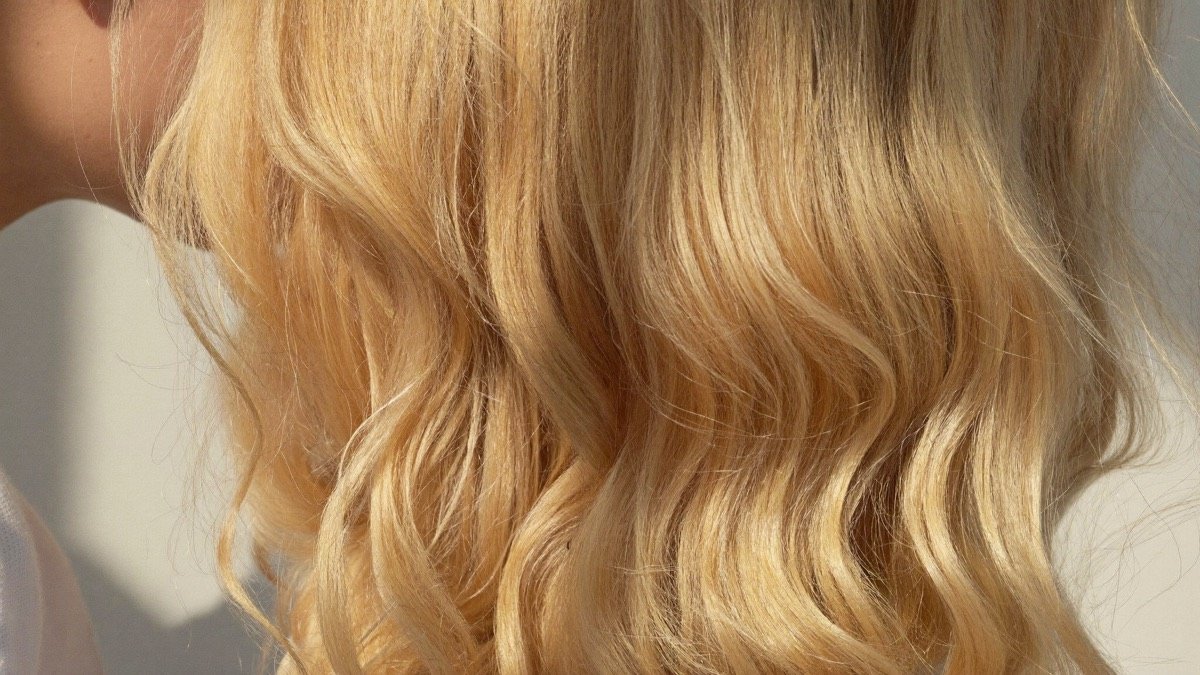
Balayage or highlights: which technique to choose
Two methods, two results, two budgets. What actually separates them, and how to choose.
Read the guide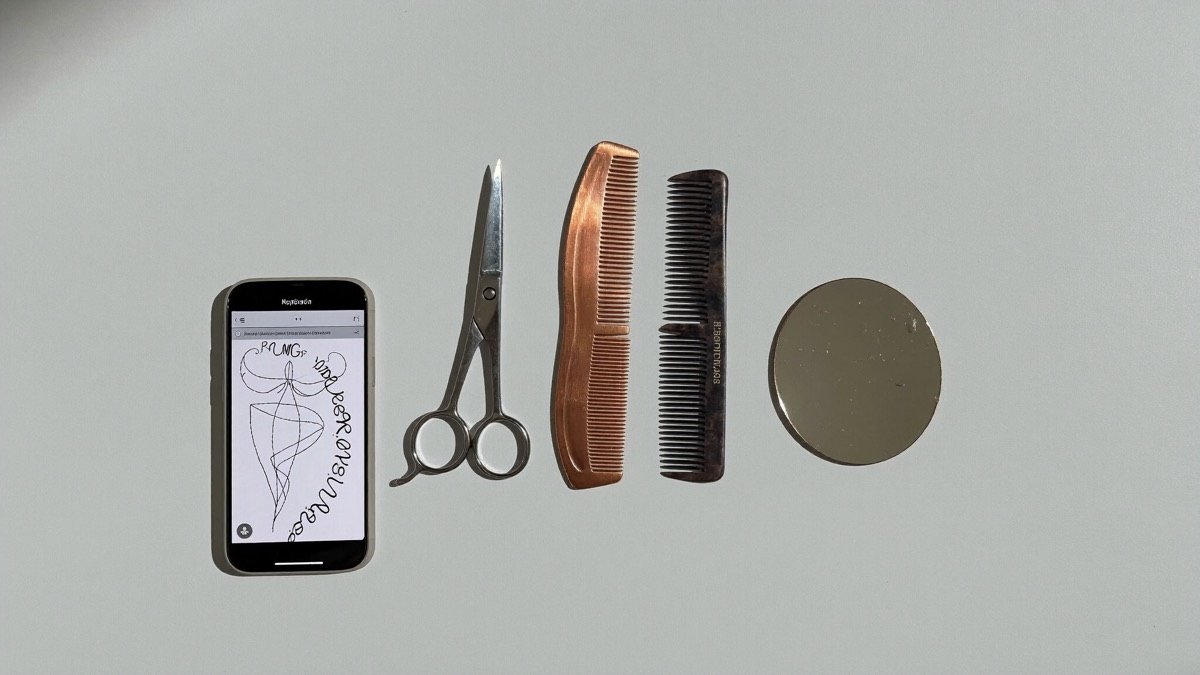
7 best AI hairstyle try-on apps in 2026
The main AI haircut apps compared on ratings, pricing and features — ours included, weaknesses and all.
Read the comparisonGood to know.
What does it cost?
The download is free. Generating haircuts then runs on credits, bought inside the app — you pay for what you generate, with no subscription.
How realistic is the result?
On a front-facing, well-lit photo without glasses, the result is close to what a barber can achieve. It is a preview meant to help you decide, not a guarantee of the salon outcome.
How does the app find barbers?
It shows salons around your location with directions and a phone number. You can show them the generated image directly instead of trying to describe what you want.
Does it work for women?
Yes. Styles are sorted by length and texture, with short, mid-length and long options, plus braids, updos and colour.
Which devices?
iPhone, on a recent version of iOS. A good quality photo gives a far better result.
A bad haircut is six weeks.
Thirty seconds to see it on your face before you let anyone near your hair.
Download on the App Store